Overview
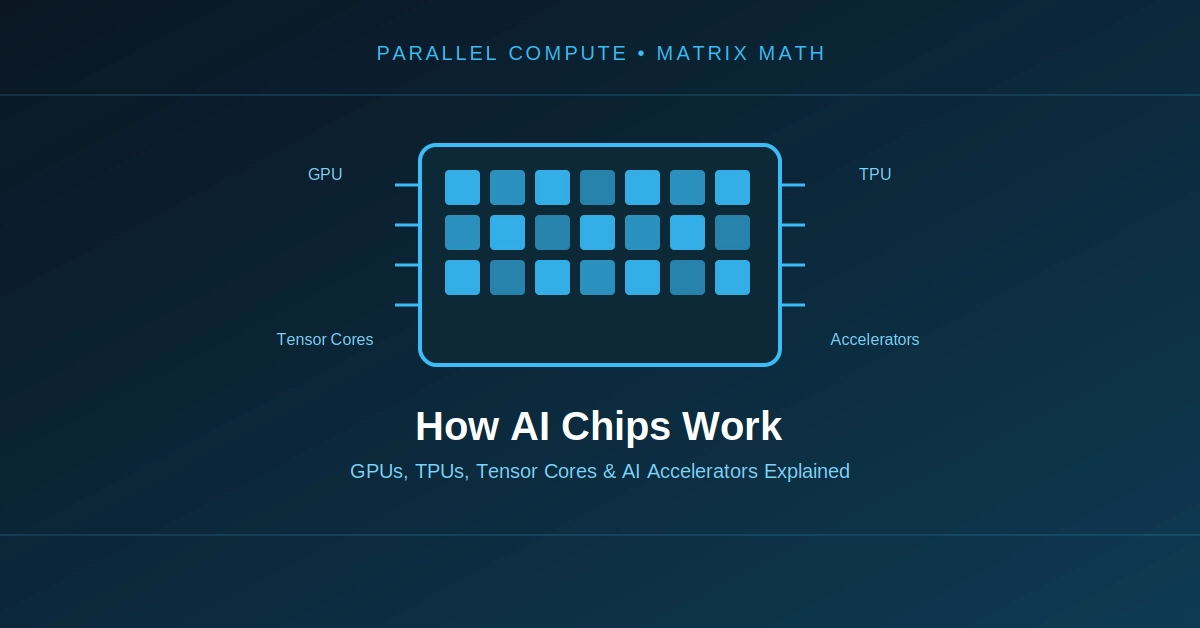
Modern computing relies on specialized processors to handle diverse workloads efficiently. The Central Processing Unit (CPU), Graphics Processing Unit (GPU), and Neural Processing Unit (NPU) each play distinct roles, optimized for different computational tasks. While the CPU manages general operations, the GPU excels at parallel processing and AI model training, and the NPU focuses on energy-efficient, on-device artificial intelligence inference.
Background & Context
Initially, CPUs handled nearly all computational tasks, serving as the primary engine for general-purpose computing. As demands for graphics processing intensified, GPUs emerged, specializing in rendering and parallel workloads. The recent surge in artificial intelligence (AI) applications, particularly those requiring local processing, led to the development of NPUs. These specialized accelerators address the need for efficient AI execution directly on devices, complementing the roles of CPUs and GPUs.

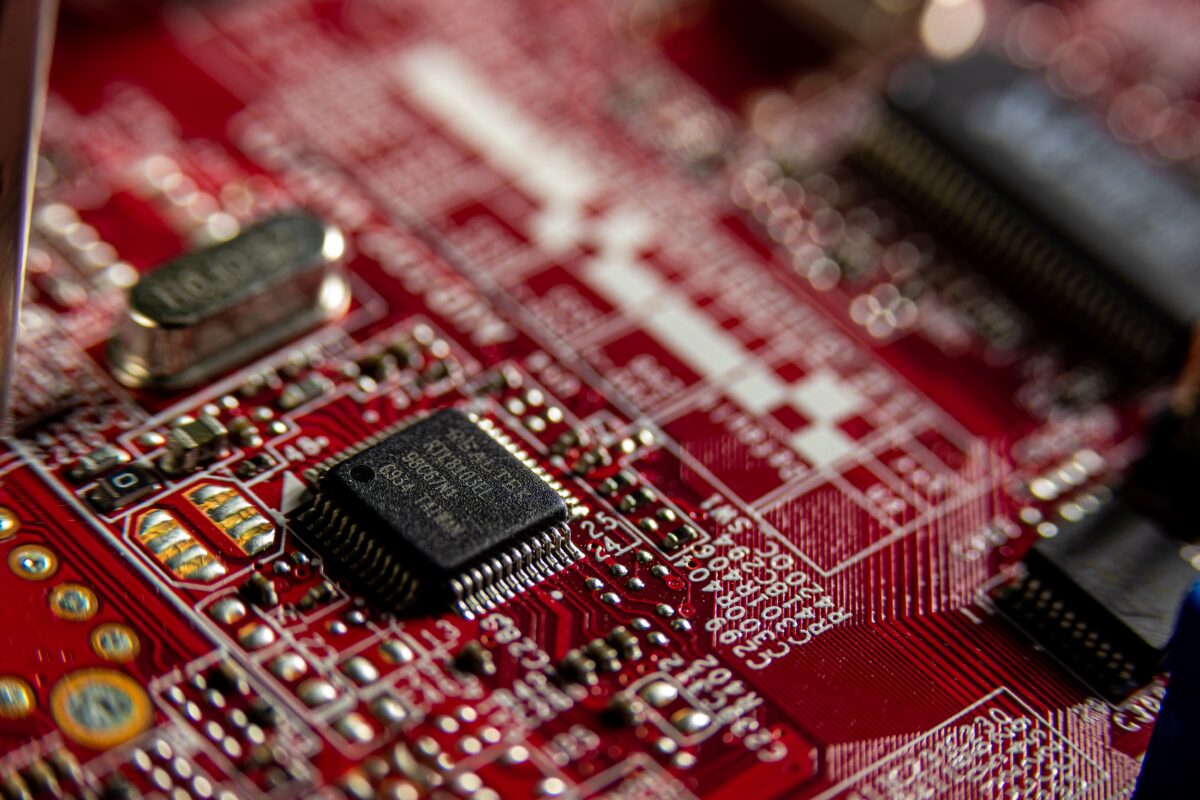
Photo by Adriano Ponte Abreu on Pexels
Core Details
Central Processing Unit (CPU)
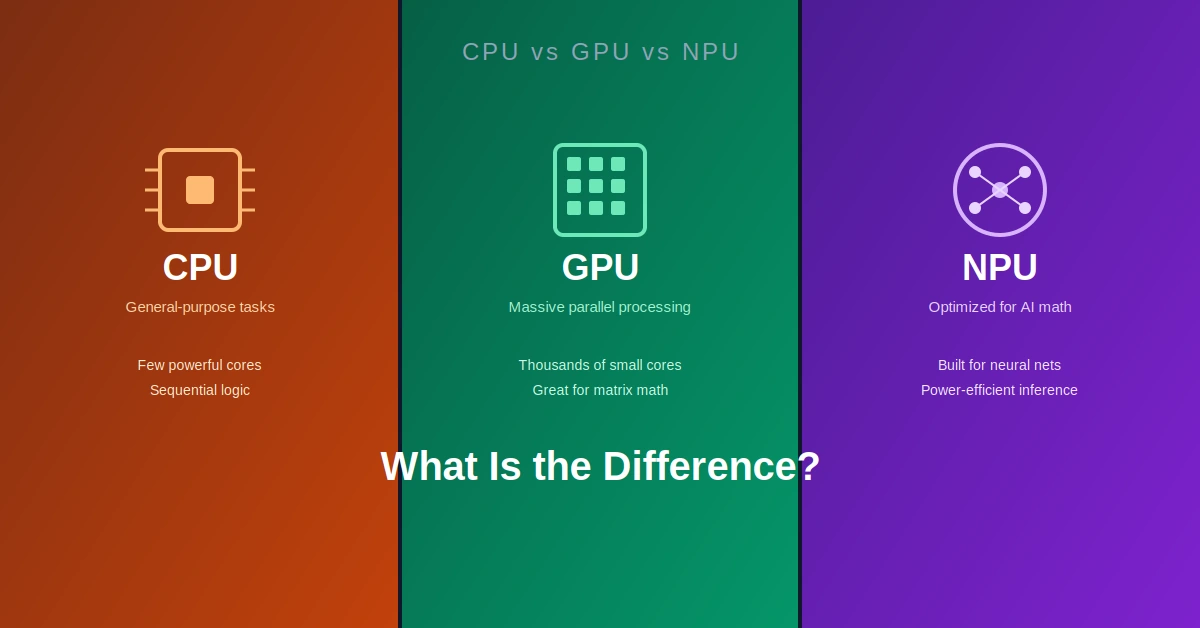
The CPU is designed for general-purpose computing, executing a wide range of instructions sequentially. It features a few powerful cores optimized for complex, single-threaded tasks. CPUs manage operating systems, web browsing, and general application execution, forming the backbone of any computer system.
Graphics Processing Unit (GPU)
The GPU excels at parallel processing, distributing work across thousands of smaller cores that can run identical operations simultaneously. This architecture makes GPUs ideal for graphics rendering, scientific simulations, and particularly for AI model training. GPUs handle high-performance and cloud-based AI workloads, utilizing external VRAM for larger models, which can introduce bandwidth overhead.
Neural Processing Unit (NPU)
The NPU is a specialized processor optimized for on-device AI inference. It manages local data processing and energy-efficient AI features directly on a device. NPUs rely on on-chip memory for low latency, though this design choice can limit the size of AI models they can process. They are increasingly found in AI PCs and smartphones to accelerate tasks like real-time language processing or image recognition without cloud dependency.
Data & Evidence
The distinct architectures and purposes of CPUs, GPUs, and NPUs are evident in their design and application, as summarized in the table below:
| Feature | CPU | GPU | NPU |
|---|---|---|---|
| Primary Role | General-purpose computing | Graphics, parallel computing, AI model training | On-device AI inference |
| Core Structure | Few powerful cores | Thousands of smaller cores | Specialized for neural networks |
| AI Workload | General AI tasks (less efficient) | AI model training, high-performance/cloud-based AI workloads | On-device AI features, local data processing |
| Memory Design | General system RAM | External VRAM (for larger models, bandwidth overhead) | On-chip memory (low latency, model-size limits) |
| Key Use Cases | Operating systems, web browsing | Gaming, scientific simulations, cloud AI, large model training | AI PCs, smartphones, edge AI |
Source: ASUS, Fluence.AI, HP Tech Takes (2025-2026 data)
While GPUs are widely discussed for AI, NPUs are quietly becoming essential for enabling practical, everyday AI features directly on personal devices, shifting some AI processing away from the cloud.
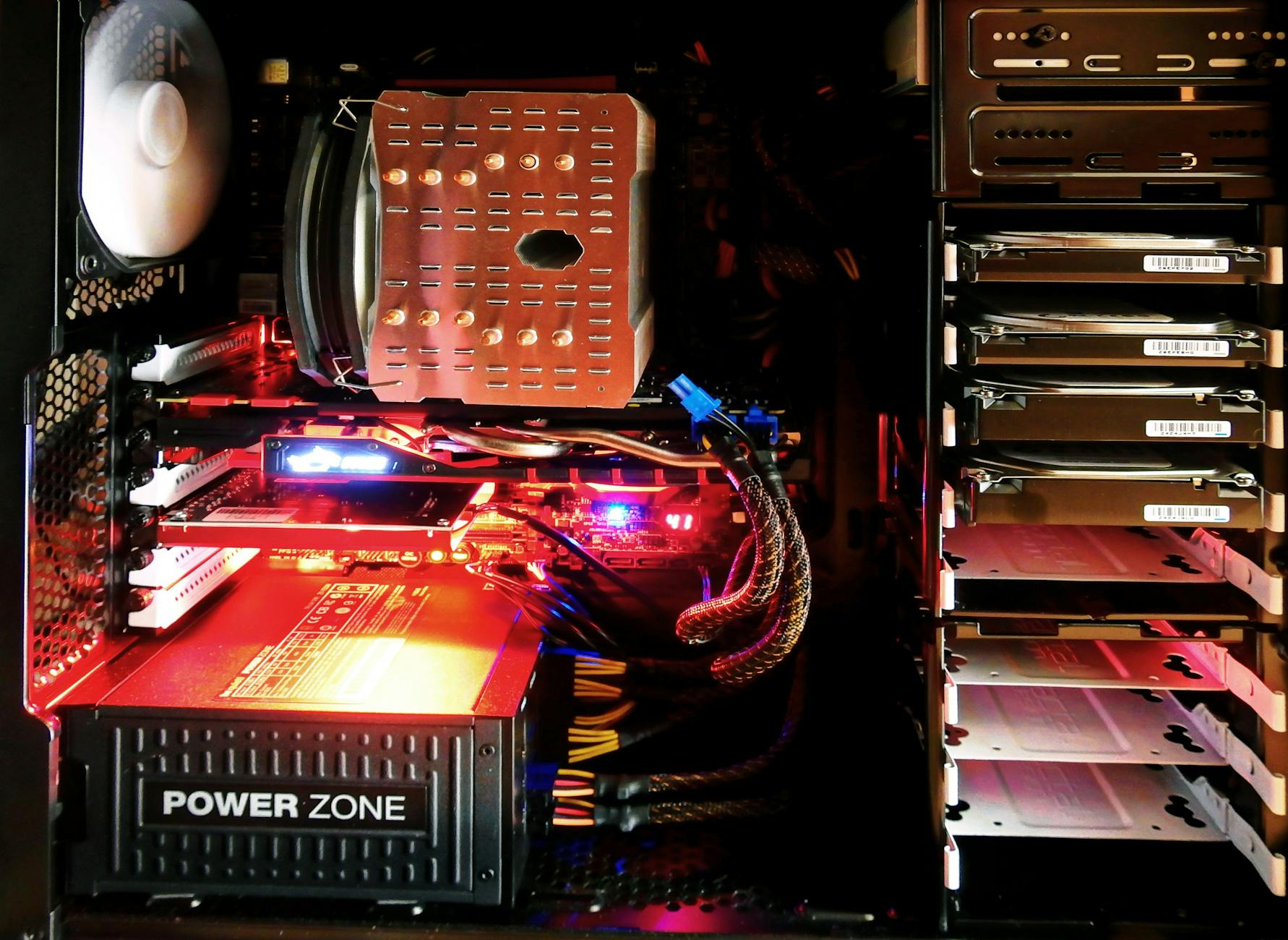
Photo by Pixabay on Pexels
Real World Example
Consider a user working on a modern laptop equipped with all three processor types. The CPU handles the fundamental operations, such as running the Windows operating system, managing background applications, and opening a web browser to check emails. If the user then decides to train a complex machine learning model for a research project, the task would be offloaded to a powerful external or integrated GPU, which efficiently processes the vast datasets in parallel. Simultaneously, if the user engages in a video conference call, the laptop’s integrated NPU could be actively processing real-time background blur, eye-tracking adjustments, or noise suppression for the microphone, all without consuming significant power or sending sensitive video data to a cloud server. This scenario highlights how each processor specializes in its domain, contributing to a seamless and efficient user experience.
Implications
The increasing specialization of processors, particularly with the rise of NPUs, signifies a strategic shift towards more localized and efficient AI processing. This enables devices to execute AI tasks with lower latency and enhanced privacy, reducing reliance on constant cloud connectivity. The coexistence of CPUs, GPUs, and NPUs optimizes performance across the entire spectrum of computing needs, from foundational system operations to intensive AI model training and responsive on-device inference. This distributed processing paradigm is shaping the future of personal computing and edge AI applications.
Key Takeaways
- CPU excels at general-purpose, sequential computing tasks like running operating systems and web browsing.
- GPU is optimized for parallel processing, graphics rendering, and AI model training, handling high-performance and cloud-based AI workloads.
- NPU specializes in energy-efficient, on-device AI inference, managing local data processing and AI features on devices like AI PCs.
- Memory design differs significantly: NPUs use on-chip memory for low latency but face model-size limits, while GPUs use external VRAM for larger models, introducing bandwidth overhead.
- The three processors work in concert, each handling specific workloads for optimal system performance across diverse computing environments.
Frequently Asked Questions
Can a CPU run AI tasks?
Yes, a CPU can run AI tasks, but it is less efficient than a GPU for training large models or an NPU for on-device inference due to its general-purpose architecture. CPUs are not optimized for the parallel computations common in AI.
Why are NPUs becoming important?
NPUs are important for enabling efficient, low-latency, and private AI features directly on devices. They reduce reliance on cloud processing, improve user experience for local AI tasks, and offer significant energy savings for AI workloads.
Is an NPU better than a GPU for AI?
Neither is inherently “better”; they serve different AI roles. GPUs train AI models and handle high-performance cloud AI workloads, whereas NPUs manage on-device AI inference and local data processing for energy-efficient execution.
Do all modern computers have an NPU?
Not all, but many newer laptops and mobile devices, particularly those marketed as AI PCs, are integrating NPUs to handle on-device AI features more efficiently and enhance local AI capabilities.
SiliconeUpdate.com is a technology news platform that publishes updates and informational content related to silicon technology, software, artificial intelligence, and emerging technologies.
All articles published on this platform are attributed to SiliconeUpdate.com instead of individual authors. Content is presented in a neutral, informational format without personal opinions.
—
Content Publishing
SiliconeUpdate.com publishes news and updates based on publicly available information, official announcements, and industry developments. The focus is on clarity, relevance, and timely reporting.
—
Editorial Control
All editorial decisions, updates, and content management are handled at the platform level. No individual human or AI identity is presented as the author of articles.
—
Contact
For editorial communication or general queries, contact:
Email: neemasharma@gmail.com