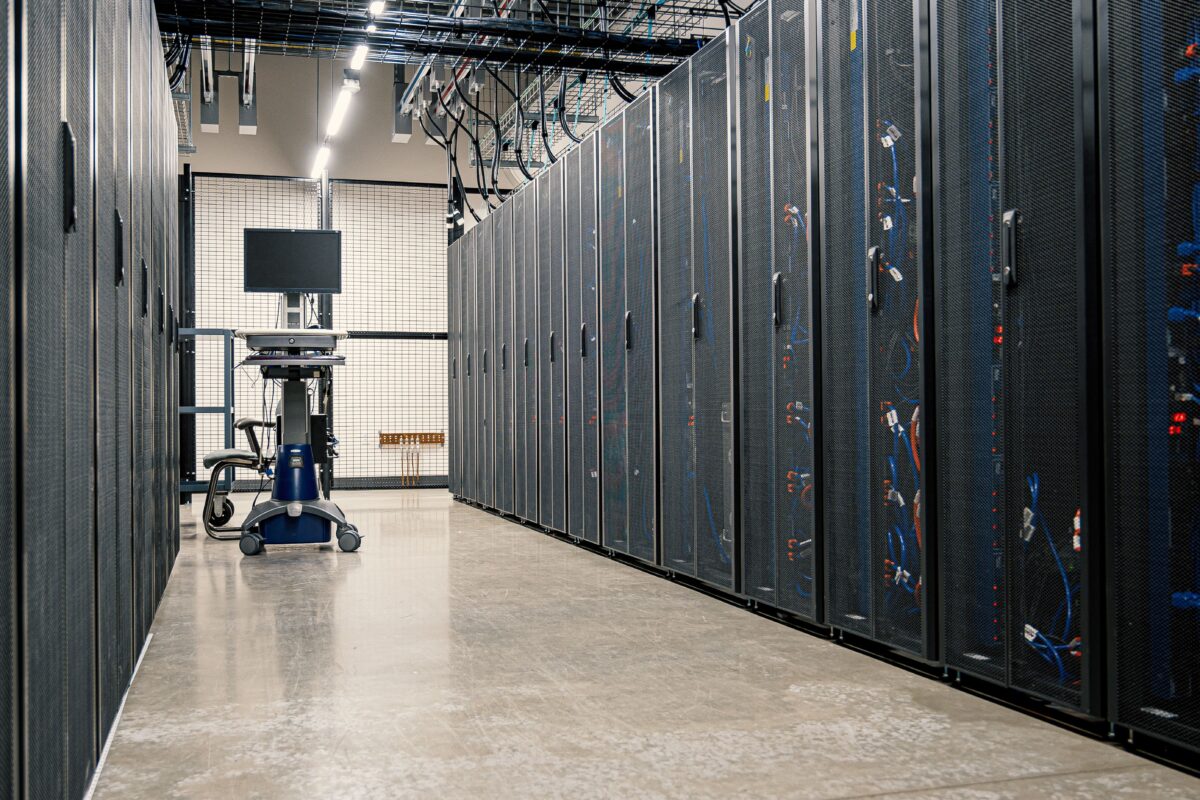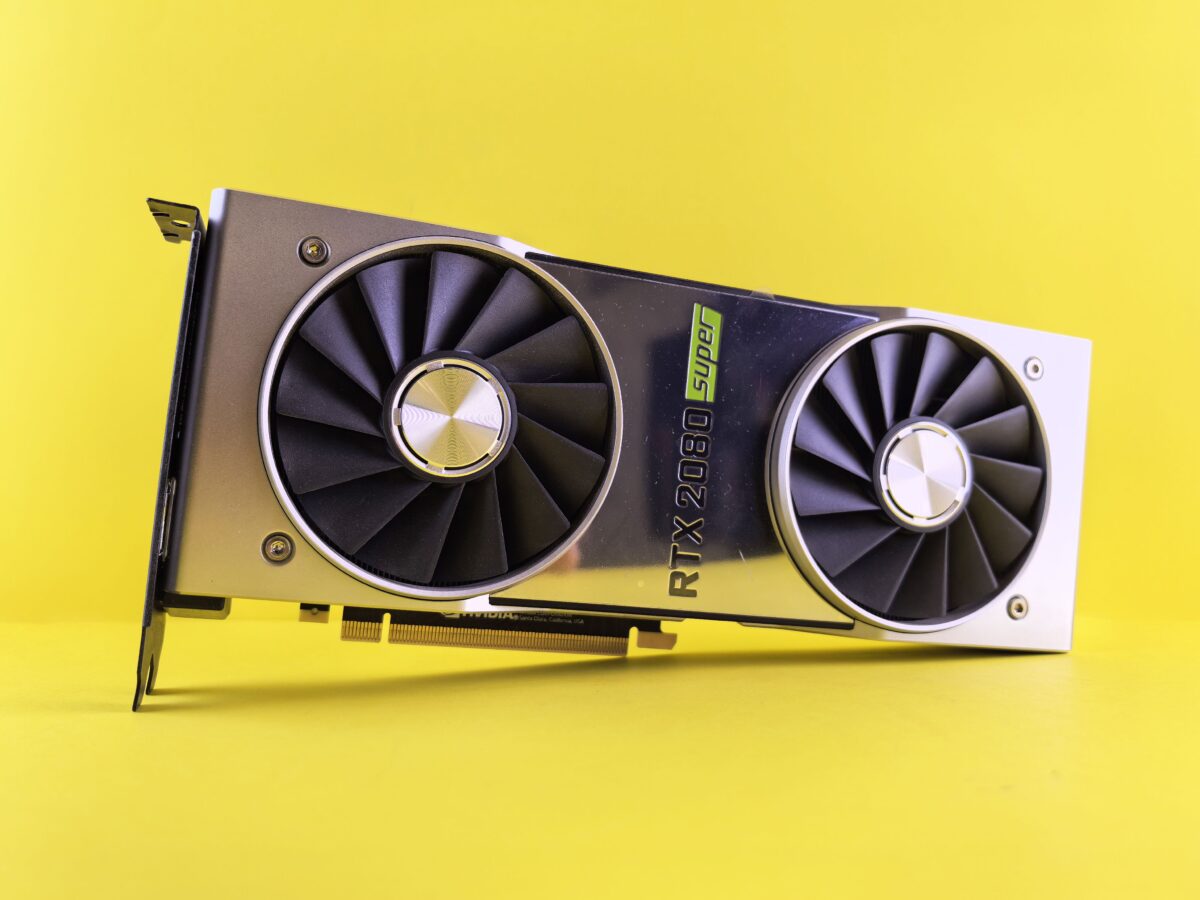
A traditional data center is built around general-purpose computing. Servers run databases, websites, enterprise applications, storage systems, virtual machines, and thousands of other workloads.
A GPU data center is designed around a different requirement: moving large amounts of data through highly parallel processors as quickly and efficiently as possible.
This distinction has become especially important with AI. Training a large language model, running a recommendation system, processing scientific simulations, or serving AI inference at scale can require hundreds or thousands of GPUs working together.
That means a GPU data center is not simply a normal data center with a few graphics cards installed in servers. The GPUs affect almost everything around them, including networking, memory, storage, power delivery, cooling, rack design, and workload management.
Modern AI infrastructure increasingly treats the GPU cluster as one large computing system rather than a collection of independent servers.
What Is a GPU Data Center?
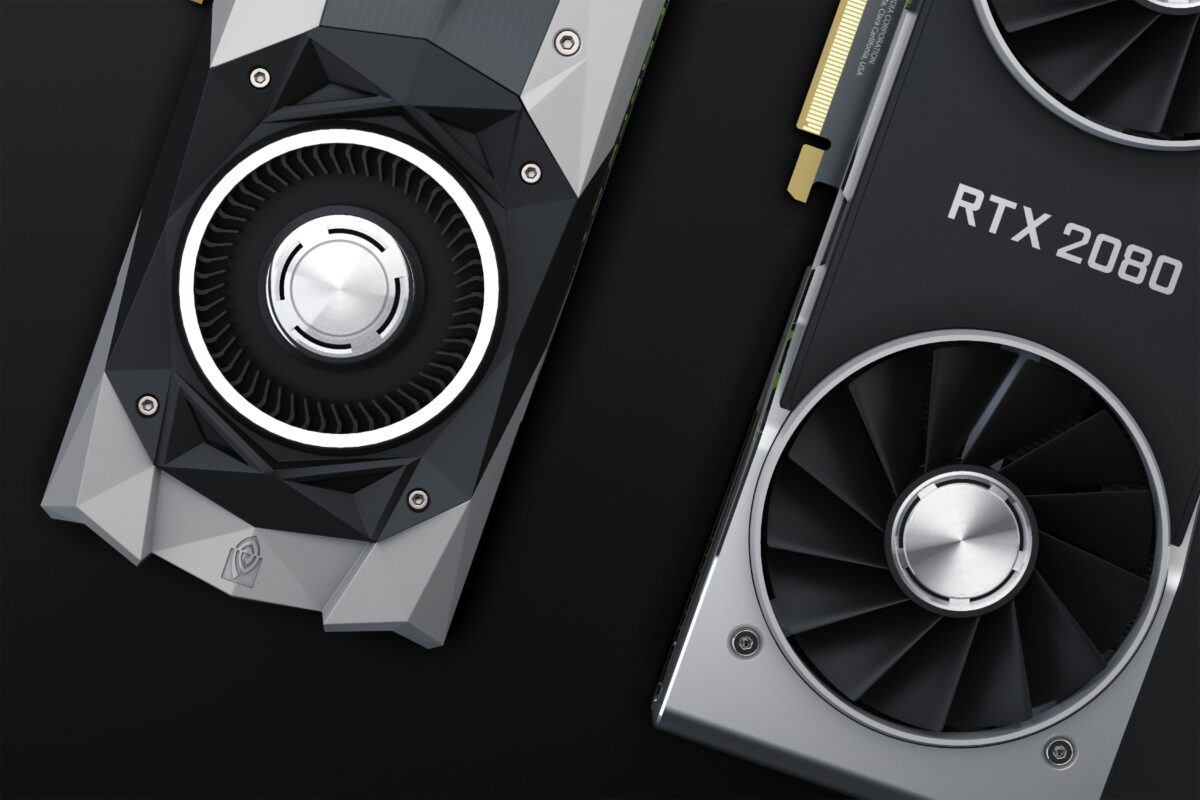
A GPU data center is a computing facility designed to host and operate large numbers of GPU-accelerated servers.
The GPUs provide the main computational capacity for workloads such as:
- AI model training
- AI inference
- Deep learning
- Generative AI
- Scientific computing
- High-performance computing (HPC)
- Large-scale data analytics
- Computer vision
- 3D rendering and simulation
The important part is not simply the presence of GPUs. It is the infrastructure surrounding them.
A GPU server may contain multiple accelerators, large amounts of high-bandwidth memory, high-speed networking, local storage, and CPUs responsible for general-purpose tasks.
At larger scales, many of these servers are connected into a GPU cluster.
A simplified architecture looks like this:
                 Users / Applications
                         |
                         v
                Front-End Network
                         |
                         v
              +---------------------+
              |   GPU Cluster       |
              |                     |
              | GPU Server 1        |
              | GPU Server 2        |
              | GPU Server 3        |
              | ...                 |
              | GPU Server N        |
              +---------------------+
                    |       |
             High-speed     |
               Network      |
                    |       |
              +-------------+
              |
          Storage System
              |
        Training Data /
        Model Checkpoints
The goal is to keep the GPUs busy instead of making them wait for data.
Why Do GPUs Need Specialized Data Centers?
A CPU is designed to handle a broad range of general-purpose operations. A GPU contains many parallel computing resources that can perform large numbers of similar calculations simultaneously.
That makes GPUs particularly useful for workloads involving matrix operations and other highly parallel computations.
AI models contain enormous numbers of mathematical operations. During training, those operations are distributed across GPUs so that the work can be completed efficiently.
But this introduces a problem.
The GPUs have to communicate with each other.
Suppose a training job uses 1,000 GPUs.
If every GPU spends most of its time calculating but periodically needs information from another GPU, the network connecting those machines becomes part of the computing system.
A slow network can leave expensive GPUs waiting.
This is why modern AI infrastructure increasingly combines accelerators, networking and storage as one system. Google’s AI Hypercomputer architecture is one example of this approach, integrating performance-optimized accelerators with networking and storage for AI workloads.
So a GPU data center is designed around three things working together:
Compute + Networking + Infrastructure
       |
       v
Efficient GPU utilization
GPUs Are the Main Compute Engines
The most visible difference between a conventional server and a GPU server is the accelerator hardware.
A typical GPU server can contain multiple GPUs connected to CPUs and high-speed networking.
The CPU still has an important job. It handles operating-system tasks, application logic, orchestration, I/O and other general-purpose workloads.
The GPU handles the massively parallel portions of the workload.
Modern systems can go much further than putting several GPUs into a single server.
For example, NVIDIA’s GB300 NVL72 uses a fully liquid-cooled, rack-scale design containing 72 Blackwell Ultra GPUs and 36 Grace CPUs. NVIDIA also uses fifth-generation NVLink to provide high-speed communication between the GPUs.
This illustrates an important shift in GPU infrastructure:
The rack itself can become a computing unit.
Instead of thinking only in terms of:
Server → Server → Server
AI infrastructure increasingly looks like:
GPU → GPU → GPU → GPU
 |      |      |      |
 +------+------|------+
        High-speed fabric
The physical arrangement and interconnection of those GPUs directly affect application performance.
GPU Memory Is Just as Important as GPU Compute
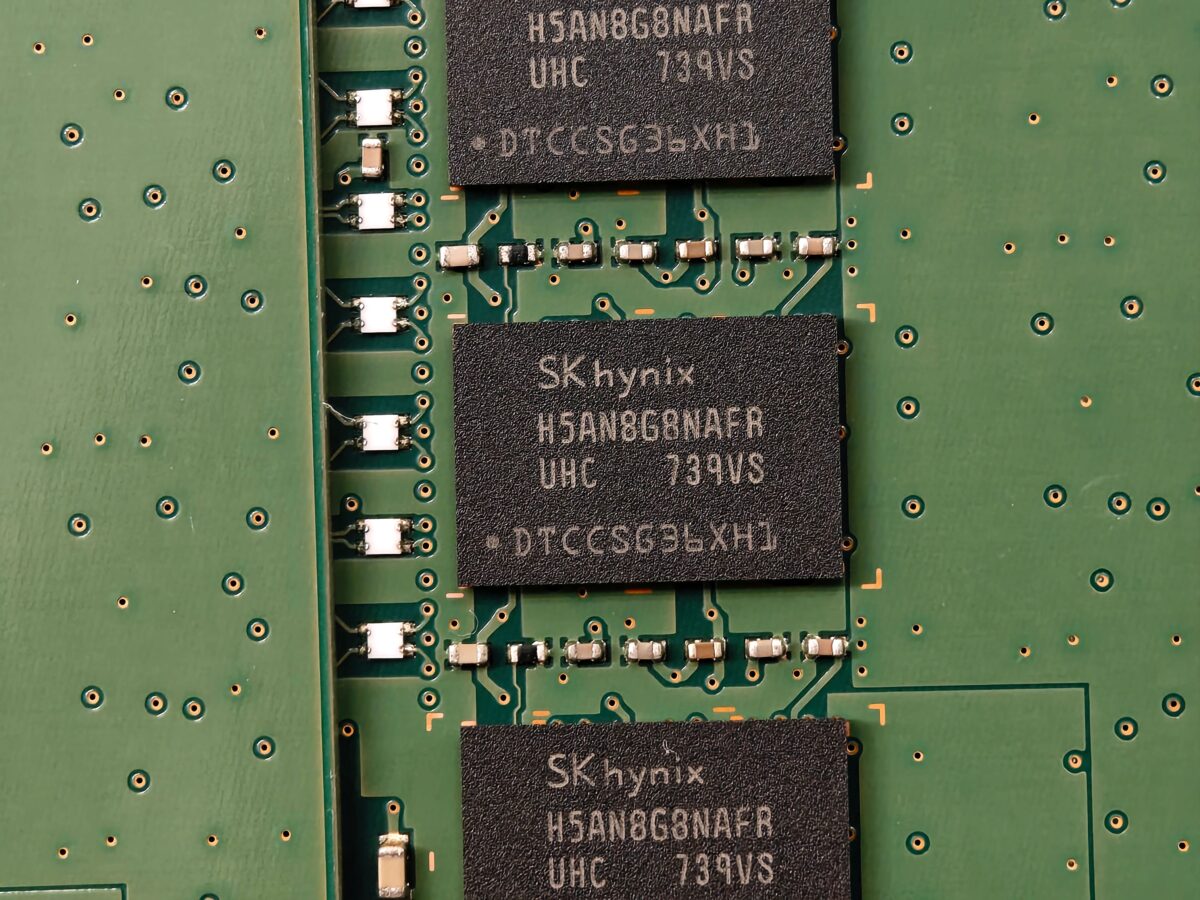
GPU performance is not determined only by the number of GPUs.
Memory capacity and memory bandwidth are also critical.
AI models constantly move data between compute units and memory. If the processor can calculate extremely quickly but cannot receive data quickly enough, the system can become memory-bound.
This is one reason modern AI accelerators use high-bandwidth memory (HBM).
For example, NVIDIA’s GB300 NVL72 specifies 20 TB of aggregate GPU memory with up to 576 TB/s of GPU memory bandwidth across its 72-GPU configuration. These are system-level specifications, not the specifications of one individual GPU.
The memory hierarchy can be simplified as:
GPU Registers
     ↓
GPU Cache
     ↓
HBM / GPU Memory
     ↓
CPU Memory
     ↓
Local NVMe
     ↓
Distributed Storage
The farther data is from the GPU, the more important data movement and latency become.
This is why GPU data centers need carefully designed storage and networking systems.
GPU-to-GPU Networking
This is one of the biggest differences between a normal server environment and a large GPU cluster.
During distributed AI training, GPUs frequently exchange information.
For example:
GPU 1 ----\
GPU 2 -----\
GPU 3 ------> Network Fabric
GPU 4 -----/
GPU 5 ----/
The GPUs may need to synchronize gradients, exchange intermediate results, or participate in collective operations.
There are two important levels of communication.
Scale-Up
Scale-up refers to very high-speed communication between GPUs inside a tightly integrated system or rack.
Technologies such as NVIDIA NVLink and NVSwitch are designed for this type of communication.
NVIDIA’s NVL72 reference architecture shows how NVLink, GPU compute nodes and networking are combined into a rack-scale architecture.
Scale-Out
Scale-out connects multiple GPU servers or racks.
This is where high-speed Ethernet or InfiniBand networks become extremely important.
The architecture can therefore look like:
       Scale-Up
   GPU ↔ GPU ↔ GPU
        │
        │
   High-speed fabric
        │
   ┌────┴────┐
   │         │
 Rack 1    Rack 2
   │         │
 GPU GPUs   GPU GPUs
   │         │
   └────┬────┘
        │
   Scale-Out Network
Google’s GPU networking documentation describes specialized high-performance fabrics for clustered GPUs, including RDMA over Converged Ethernet (RoCE), NVIDIA networking hardware and topology designed specifically for GPU-to-GPU communication.
Why East-West Traffic Matters
Traditional applications often generate substantial north-south traffic.
For example:
User
 ↓
Load Balancer
 ↓
Application Server
 ↓
Database
A GPU training cluster can behave very differently.
A large amount of traffic can remain inside the cluster, moving from GPU to GPU.
GPU ↔ GPU ↔ GPU ↔ GPU
 ↕     ↕     ↕     ↕
GPU ↔ GPU ↔ GPU ↔ GPU
This is called east-west traffic.
For distributed AI, network bandwidth and latency can directly influence how effectively GPUs are utilized.
Google’s clustered-GPU architecture explicitly separates GPU-to-GPU traffic from host and storage traffic in supported configurations so that these workloads do not compete for the same network resources.
This is an important difference from a typical application server environment, where network traffic between machines may not be nearly as tightly coupled to computation.
Storage Has to Keep the GPUs Fed
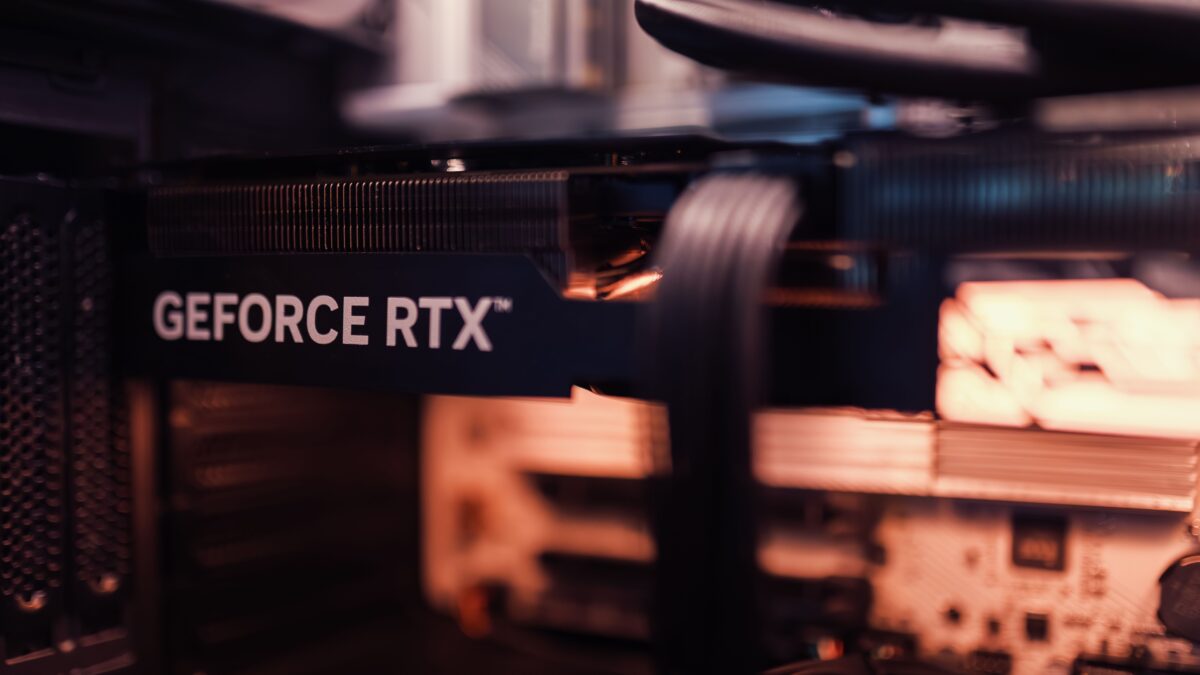
A GPU can process data extremely quickly.
That creates another potential bottleneck: storage.
Imagine a training cluster containing hundreds of GPUs. The GPUs continuously need training samples, model parameters, checkpoints, logs and other data.
If storage cannot deliver data fast enough, GPUs can spend time waiting.
A GPU data center therefore commonly uses multiple layers of storage:
Object Storage
      ↓
Distributed File System
      ↓
High-Speed Storage
      ↓
Local NVMe
      ↓
GPU Memory
Different layers serve different purposes.
Large datasets may live in object storage or distributed storage. Frequently accessed training data can be placed closer to the compute nodes, while local NVMe storage can be useful for temporary data, caches and logs.
The exact architecture depends on the workload.
The important principle is simple: storage has to deliver data at a rate that keeps the accelerator cluster productive.
GPU Data Centers Generate a Lot of Heat
High-performance GPUs consume significant amounts of power.
Almost all of that electrical energy eventually becomes heat.
This makes cooling a major engineering problem.
Older enterprise racks were commonly designed around much lower power densities. Modern AI infrastructure can push substantially more power into a single rack.
NVIDIA’s GB300 NVL72, for example, uses a fully liquid-cooled rack-scale architecture, illustrating how high-density AI systems are changing the thermal design of data-center infrastructure.
That changes the physical design of the facility.
Instead of relying entirely on conventional air cooling, high-density GPU systems increasingly use liquid cooling.
Why Liquid Cooling Is Important
Air is relatively inefficient at transporting very large amounts of heat.
Liquid can remove substantially more heat in a compact system.
A liquid-cooled GPU server can use cold plates attached directly to high-power components.
A simplified system looks like:
GPU
 │
 ▼
Cold Plate
 │
 ▼
Coolant
 │
 ▼
CDU
 │
 ▼
Facility Cooling System
The coolant distribution unit (CDU) manages the liquid loop and transfers heat away from the IT equipment.
This is why liquid cooling is becoming an important part of high-density AI infrastructure rather than simply being an optional cooling technology.
Power Is Becoming a Core Design Constraint
GPUs don’t just require more power individually.
A large cluster can contain hundreds or thousands of accelerators operating simultaneously.
That creates a very different power profile from a conventional enterprise data center.
AI training workloads can also produce synchronized changes in power consumption because many accelerators perform similar operations at roughly the same time.
The infrastructure therefore has to consider power at several levels:
Utility Grid
     ↓
Substation
     ↓
Power Distribution
     ↓
Data Center
     ↓
GPU Rack
     ↓
GPU Server
     ↓
GPU
This also explains why the physical location and electrical capacity of a large AI data center can become important architectural considerations.
The facility isn’t simply providing electricity to computers. It has to provide enough stable power for a tightly coupled computing system while simultaneously removing the heat produced by that power consumption.
What Does a GPU Data Center Actually Run?
GPU data centers can support many workloads.
AI Training
Training is one of the most demanding workloads.
A large model may be divided across many GPUs.
Training Dataset
       ↓
   GPU Cluster
       ↓
 ┌─────┼─────┐
 GPU   GPU   GPU
 │     │     │
 └─────┼─────┘
       ↓
 Model Update
       ↓
 Repeat
The process can continue for days or weeks depending on the model and infrastructure.
The challenge is not simply completing calculations. The system must keep the GPUs synchronized and efficiently supplied with data.
AI Inference
Inference is different.
Instead of training a model, the infrastructure uses an already-trained model to generate predictions or responses.
For example:
User Request
     ↓
Inference Service
     ↓
GPU
     ↓
Model
     ↓
Generated Response
At large scale, many GPUs may serve requests simultaneously.
Modern infrastructure therefore needs to optimize not only raw GPU performance but also latency, memory utilization, batching and networking.
Scientific Computing
GPUs are also widely used for scientific and engineering workloads.
Examples include:
- Molecular simulation
- Weather modeling
- Computational physics
- Genomics
- Engineering simulation
- Financial modeling
These workloads can benefit from the same characteristics that make GPUs useful for AI: massive parallelism and high memory bandwidth.
GPU Data Centers Need Specialized Software
Hardware alone does not create a useful GPU cluster.
The software stack has to coordinate the hardware.
A large GPU environment can involve:
Applications
     ↓
AI Frameworks
     ↓
GPU Libraries
     ↓
GPU Drivers
     ↓
Schedulers / Orchestration
     ↓
Servers + Networking + Storage
Frameworks such as PyTorch and JAX can use GPU acceleration, while specialized communication libraries help coordinate workloads across multiple GPUs.
For NVIDIA-based environments, NCCL is commonly used for collective GPU communication. Google’s documentation also describes its optimized NCCL/gIB stack for clustered GPU workloads where communication performance affects overall training productivity.
At larger scales, orchestration systems decide where jobs should run and which GPU resources should be allocated.
This becomes increasingly important as clusters grow from a few GPUs to thousands.
Why GPU Data Centers Are More Like Supercomputers
A useful way to understand a modern GPU data center is to stop thinking about individual servers.
A conventional application may look like:
Server A
Server B
Server C
Server D
Each server can perform relatively independent tasks.
A large AI workload may instead look like:
              GPU Cluster
                   |
       ┌───────────┼───────────┐
       ↓           ↓           ↓
    GPU Group   GPU Group   GPU Group
       │           │           │
       └───────────┼───────────┘
                   ↓
            Shared Storage
The GPUs are cooperating on one computational problem.
This is why modern AI infrastructure increasingly resembles a distributed supercomputer.
Google describes this type of architecture through its “campus as a computer” approach, where networking becomes a fundamental part of connecting large-scale AI compute resources.
GPU Data Centers vs Traditional Data Centers
The difference can be summarized like this:
| Area | Traditional Data Center | GPU Data Center |
|---|---|---|
| Main compute | CPU servers | GPU-accelerated servers |
| Workloads | General-purpose applications | AI, HPC, analytics and accelerated workloads |
| GPU density | Low to moderate | High |
| GPU-to-GPU communication | Limited | Critical |
| Network design | General-purpose | High-bandwidth, low-latency fabrics |
| Rack power | Generally lower | Much higher in dense AI systems |
| Cooling | Often air cooling | Air + increasingly liquid cooling |
| Storage | General-purpose | High-throughput storage for large datasets |
| Compute model | Independent servers | Tightly coupled clusters |
| Optimization | Server-level | Rack, cluster and facility level |
The important point is that these categories overlap.
Not every GPU data center uses liquid cooling, and not every AI workload requires thousands of GPUs. Smaller GPU deployments can operate successfully in conventional facilities with appropriate power and thermal capacity.
The difference is primarily how the infrastructure is engineered around accelerated computing requirements.
GPU Data Centers Are Becoming Rack-Scale Systems
One of the significant trends is the movement from individual GPU servers toward rack-scale designs.
Instead of treating a rack as a collection of independent machines, compute, networking, memory and cooling can be engineered as a single system.
NVIDIA’s NVL72 reference architecture describes a liquid-cooled rack containing 72 Blackwell Ultra GPUs and 36 Grace CPUs, with GPUs connected through fifth-generation NVLink.
The concept is straightforward:
Traditional:

[Server] [Server] [Server] [Server]


Rack-Scale AI:

┌───────────────────────────────┐
│       GPU Compute Rack        │
│                               │
│ GPU GPU GPU GPU GPU GPU ...   │
│      High-Speed Fabric        │
│      Shared Power             │
│      Liquid Cooling           │
└───────────────────────────────┘
This approach allows the system to be optimized as a tightly integrated computing platform.
NVIDIA’s reference architecture also shows how multiple rack-scale units can be connected into larger configurations, extending the same concept from one rack to a larger AI cluster.
Why GPU Data Centers Matter for AI
Large AI models require more than faster processors.
They require an entire infrastructure stack capable of moving:
- Data
- Model parameters
- Activations
- Gradients
- Network traffic
- Electrical power
- Heat
at enormous scale.
That means the performance of an AI data center depends on the weakest part of the system.
A very powerful GPU is not enough if:
GPU → waits for network
GPU → waits for storage
GPU → throttles because of heat
GPU → cannot receive enough power
GPU → waits for another GPU
The objective is therefore not simply maximum GPU performance.
It is maximum useful computation from the entire cluster.
The Future of GPU Data Centers
As AI models become larger and inference workloads become more demanding, GPU infrastructure is moving toward greater integration.
Future systems are likely to combine:
- Higher-density accelerators
- Faster GPU-to-GPU interconnects
- Larger memory systems
- Faster networking
- Distributed storage
- Liquid cooling
- Higher-capacity power infrastructure
- More sophisticated workload scheduling
- Hardware and software designed together
Google’s current AI Hypercomputer architecture demonstrates this systems-level approach by combining accelerators, networking, storage and software into an integrated AI infrastructure stack.
The data center is increasingly becoming part of the computer itself.
Final Takeaway
A GPU data center is a specialized computing environment built to run large-scale GPU workloads efficiently.
The GPUs are only one part of the system.
The real architecture combines:
GPU Compute
     +
High-Speed Memory
     +
GPU-to-GPU Networking
     +
High-Throughput Storage
     +
High-Density Power
     +
Advanced Cooling
     +
Cluster Software
     ↓
GPU Data Center
This is why building an AI infrastructure facility is fundamentally different from simply adding GPU servers to an existing server room.
At small scale, a few GPUs can run inside conventional infrastructure. At large scale, however, compute, networking, power, cooling and software have to be designed together.
That is what turns a collection of GPU servers into a GPU data center—and ultimately into the infrastructure capable of training and serving modern AI systems.

SiliconeUpdate.com is a technology news platform that publishes updates and informational content related to silicon technology, software, artificial intelligence, and emerging technologies.
All articles published on this platform are attributed to SiliconeUpdate.com instead of individual authors. Content is presented in a neutral, informational format without personal opinions.
—
Content Publishing
SiliconeUpdate.com publishes news and updates based on publicly available information, official announcements, and industry developments. The focus is on clarity, relevance, and timely reporting.
—
Editorial Control
All editorial decisions, updates, and content management are handled at the platform level. No individual human or AI identity is presented as the author of articles.
—
Contact
For editorial communication or general queries, contact:
Email: neemasharma@gmail.com