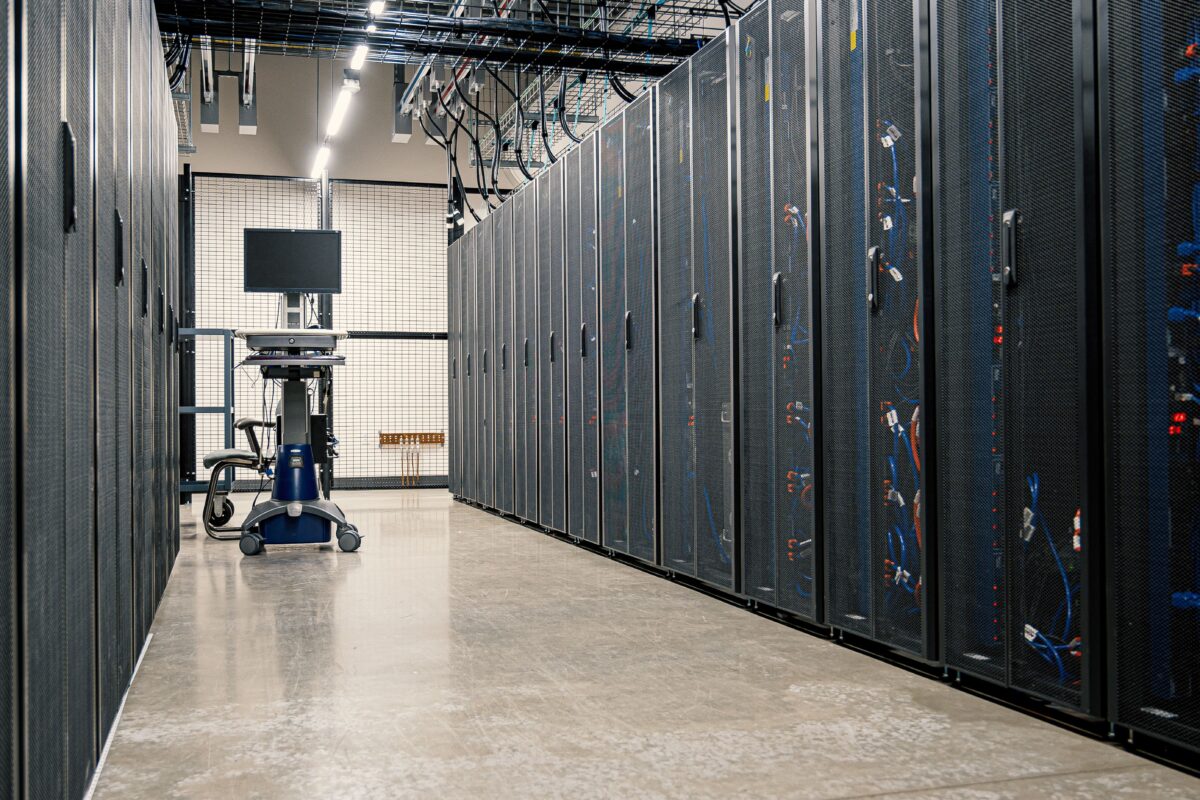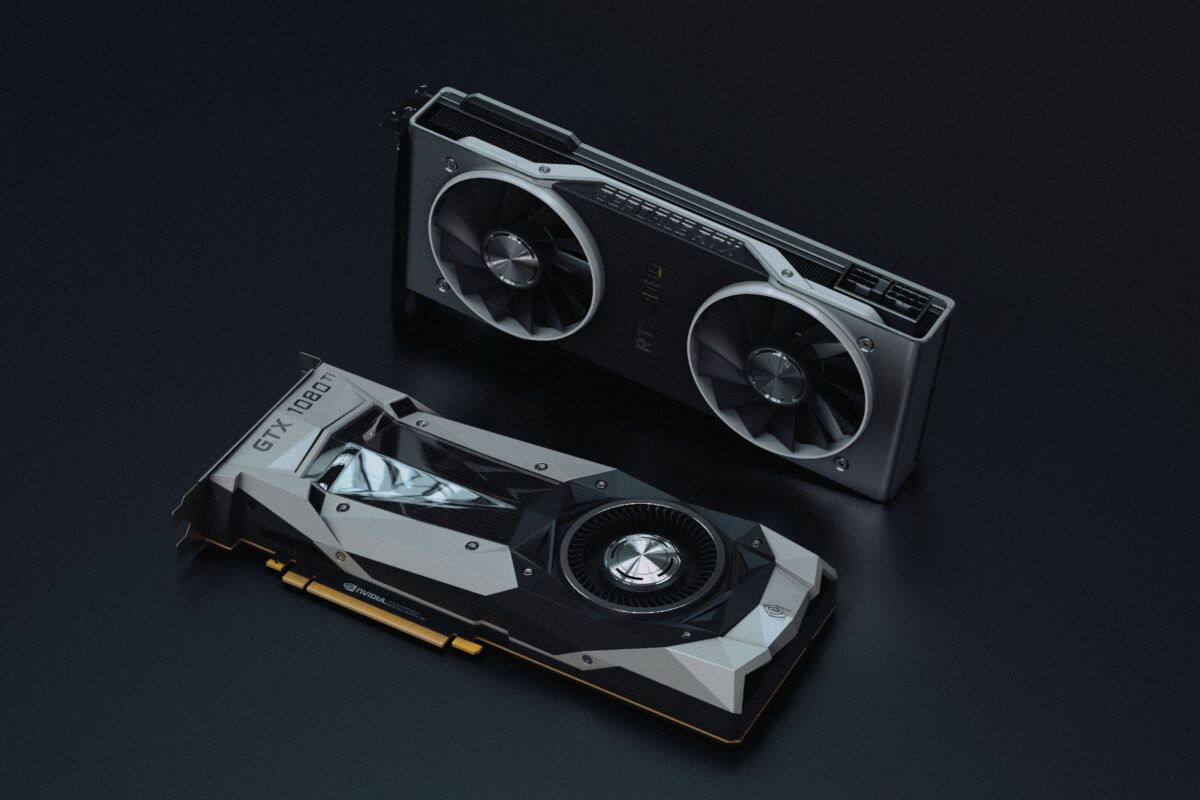
A modern AI cluster is not a pile of GPUs plugged into a wall. It is a layered system, built from the chip up through servers, racks, networks, storage, power, and cooling, so that thousands of accelerators can behave like one machine. Understanding the layers explains why these projects are so expensive, so power-hungry, and so hard to copy. For more on the industry behind them, see our AI infrastructure and data center coverage.
Layer 1: From chip to server tray
The starting point is the accelerator, such as an NVIDIA GPU or a custom chip like Google’s TPU. GPUs are paired with CPUs and mounted into a compute tray, which is the basic building block. In NVIDIA’s reference design for the GB300 NVL72, each tray holds 4 Blackwell Ultra GPUs and 2 Grace CPUs. Each tray can still run on its own, but the design lets trays be linked into larger units.
Power is the first constraint. One hardware guide lists a B200 GPU at about 1,000 watts, which is why the server and rack must be designed around heat from the start, a theme we covered in why AI is changing the design of data centers.
Layer 2: The rack as the new computer
The biggest recent change is that the rack, not the server, is now the unit of design. In the GB300 NVL72, one rack integrates 72 GPUs and 36 CPUs, with 18 compute trays connected through fifth-generation NVLink. NVIDIA’s documentation says each rack includes 9 NVLink switch trays, and each GPU has 18 NVLink links, one to each switch, so that all 72 GPUs form a fully connected domain.
This internal network is called the scale-up network. Oracle’s engineering team describes the NVLink domain as the scale-up network within a rack, which lets the GPUs act as one large unit for jobs that need to share data constantly. NVIDIA claims this design delivers 30 times faster real-time trillion-parameter inference than prior generations, a company figure rather than an independent test.
The next generation raises the bar. One architecture summary says the Vera Rubin NVL72 puts 72 Rubin GPUs and 36 Vera CPUs behind NVLink 6 in a direct-liquid-cooled rack, with 3.6 TB/s per GPU. Other companies take different routes: Microsoft’s Maia 200 uses standard Ethernet in a two-tier scale-up design for clusters of up to 6,144 accelerators, and Google’s training pods link 9,600 TPUs in a single system.
Layer 3: Connecting racks together
One rack is not enough for frontier training. The scale-out network ties racks into a cluster. In the NVLink design, the rack-scale network handles internal traffic, and InfiniBand or Ethernet connects racks. One hardware guide says each NVL72 rack provides 8 inter-rack links at 400 Gb/s, and that a 100-rack deployment of 7,200 GPUs needs roughly 200 leaf and 100 spine switches. Those switch counts come from a secondary source, so treat them as illustrative.
The layout matters as much as the speed. Large clusters generally use a fat-tree topology, where switches are arranged in tiers so that any GPU can reach any other without a bottleneck. One cluster design guide notes that at 64 nodes, or 512 GPUs, a two-tier fat tree runs out of non-blocking capacity and a three-tier design is required. NVIDIA’s recommended approach is a rail-optimized topology, where each of a server’s GPUs connects to a different leaf switch, and its enterprise reference architecture builds non-blocking Spectrum-X Ethernet fat trees around that idea.
This is why networking has become a business in its own right, as we described in why NVIDIA is expanding beyond GPUs. Google’s answer is its own Virgo network for the TPU 8t, designed to keep scaling close to linear as chip counts grow.
Layer 4: Storage and data
The GPUs are only useful if they are fed. Training needs fast access to huge datasets, and long runs need frequent checkpoints, saved snapshots of the model so work isn’t lost if something fails. Cluster guides describe a parallel file system alongside local NVMe drives on each node, with the storage network either sharing the main fabric or running separately on 100GbE Ethernet. For inference, NVIDIA has added a BlueField-4-based context memory storage platform for long-running agents, a development we covered in why AI inference is becoming the next big infrastructure challenge.
Layer 5: Power and cooling
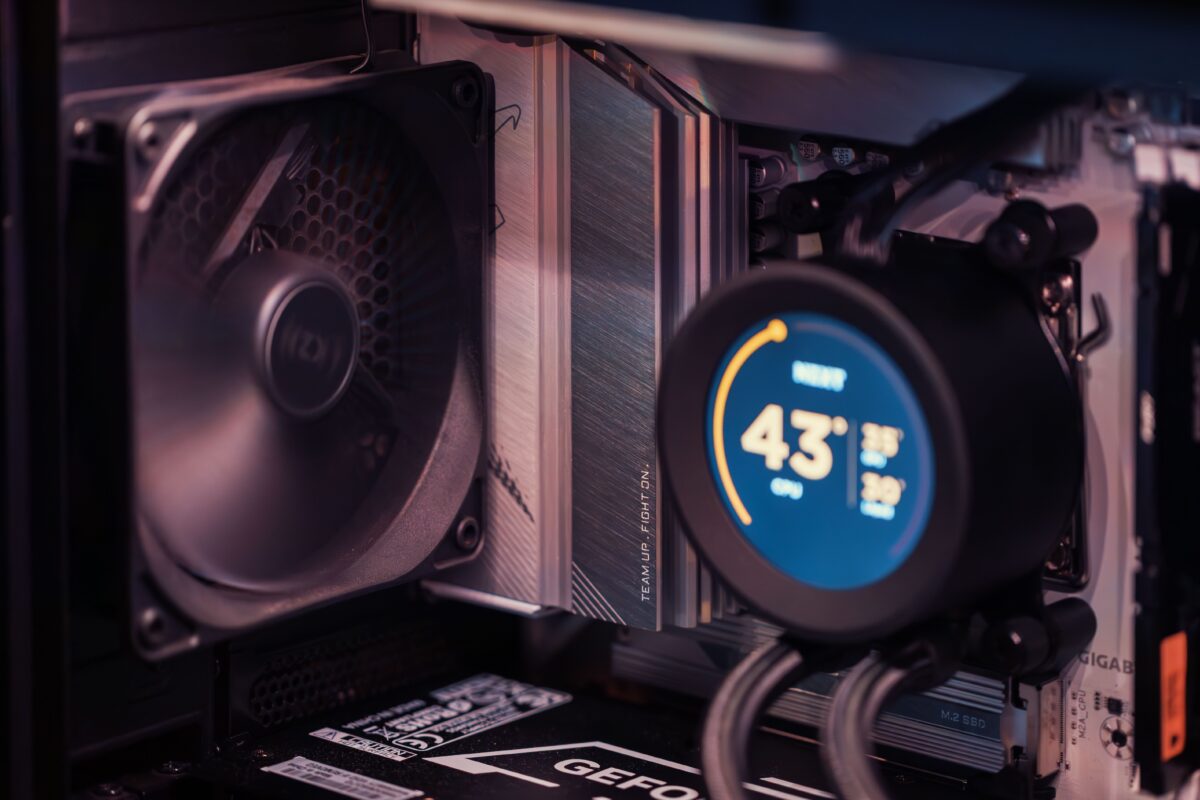
Everything above has to be powered and cooled. At current densities, air cooling no longer works. Oracle says it adopted direct-to-chip cold plate liquid cooling for all its GB200 systems and that air cooling is no longer viable at this scale. Containerized designs show how integrated this has become: one vendor describes an eight-rack GB300 NVL72 unit with warm-water liquid cooling rated for up to 1.8 MW and redundant power shelves built into the container.
The campus-level picture is the one we covered in why AI data centers need much more power: grid connections, on-site generation, and substations decide how large a cluster can be, not just how many GPUs can be bought.
Layer 6: Software and operations
Hardware becomes useful only with software that can schedule jobs across it. Operators partition racks into isolated groups so several workloads can share one machine. Oracle describes configuring multiple NVLink partitions in a single rack so smaller jobs get strong isolation while still using the fast fabric. Beyond that, clusters rely on schedulers, communication libraries, monitoring, and checkpoint-and-restart systems to keep long runs going when components fail. Public detail on these layers is thinner than for hardware, but they decide how much of the purchased compute is actually usable.
Building in modular units
To cut the complexity, vendors package clusters into repeatable blocks. NVIDIA’s enterprise design defines a scalable unit as one NVL72 rack, with a fully tested system scaling up to eight units and larger clusters built to customer needs. For giant projects, the pattern is the same at a much larger scale, as seen in the gigawatt-class campuses we described in why AI companies are building massive GPU clusters.
Where it gets hard
Building the cluster is only part of the challenge. Chips, memory, and packaging are constrained by the supply chain we described in why semiconductor supply chains matter for AI. Cabling, switches, and cooling hardware can also run short. The more components in a single job, the more likely something fails, so reliability engineering is as important as raw speed. And because designs change with every generation, a cluster built for one chip can need major changes to host the next.
The bigger picture
AI clusters are built in layers, each solving a different problem: compute in the trays, fast communication in the rack, scalable networking between racks, storage that keeps the chips busy, and power and cooling that keep everything running. The trend is toward ever tighter integration, with the rack and even the whole data center treated as one machine. That is why the companies that control more of the stack, whether NVIDIA with its systems or cloud providers with their own chips and facilities, hold such an advantage. Follow our AI hardware coverage for the next steps in cluster design.

SiliconeUpdate.com is a technology news platform that publishes updates and informational content related to silicon technology, software, artificial intelligence, and emerging technologies.
All articles published on this platform are attributed to SiliconeUpdate.com instead of individual authors. Content is presented in a neutral, informational format without personal opinions.
—
Content Publishing
SiliconeUpdate.com publishes news and updates based on publicly available information, official announcements, and industry developments. The focus is on clarity, relevance, and timely reporting.
—
Editorial Control
All editorial decisions, updates, and content management are handled at the platform level. No individual human or AI identity is presented as the author of articles.
—
Contact
For editorial communication or general queries, contact:
Email: neemasharma@gmail.com