Website owners are common targets for phishing attacks because their accounts often control domains, hosting services, email, payment systems and customer data.
A phishing attack is a social-engineering scam that pretends to come from a trusted company or person. The attacker may try to steal a password, payment detail, verification code or administrator session.
Phishing messages can arrive by email, text message, phone call, social media or private messaging apps. They may look professional and use real company logos, familiar names and urgent warnings.
Cybersecurity agencies recommend treating unexpected login requests, payment demands and security alerts carefully. Website owners should verify messages through an official website or known contact method instead of using the link or phone number provided in the message.
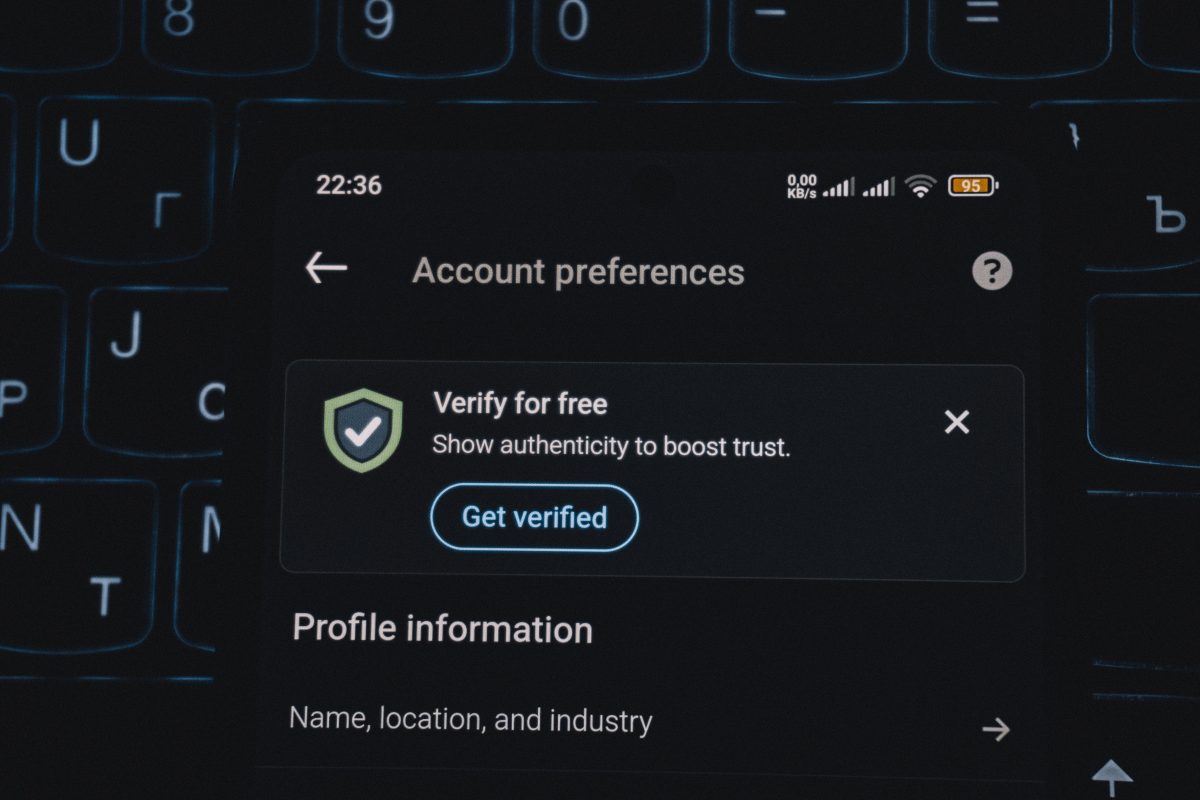
A website owner reviewing a suspicious phishing email.
Why Are Website Owners Targeted?
Website owners often have access to systems that are valuable to attackers.
A compromised website-owner account may allow an attacker to:
- Change website content.
- Redirect visitors to a malicious website.
- Steal customer information.
- Change domain or DNS settings.
- Create new email accounts.
- Send phishing messages from a trusted domain.
- Access payment or business information.
- Install harmful files or unauthorized software.
Even a small business website may control important digital assets. This makes website administrators, developers and business owners attractive targets.
A website administrator protecting domains, hosting and customer data.
1. Fake Hosting Renewal Phishing
One of the most common scams targeting website owners is the fake hosting-renewal message.
The message may claim that a hosting plan, server or website subscription is about to expire. It may warn that the website will be deleted unless the owner pays immediately.
The message usually contains a link to a fake payment page designed to steal:
- Login details.
- Credit card information.
- Security codes.
- Business contact details.
Attackers may use urgent language such as “final notice,” “account suspension” or “website deletion.” This pressure is designed to make the recipient act before checking the message.
To prevent this attack, open your hosting provider’s website using a saved bookmark or manually entered address. Check the account dashboard directly instead of clicking the payment link in the message.
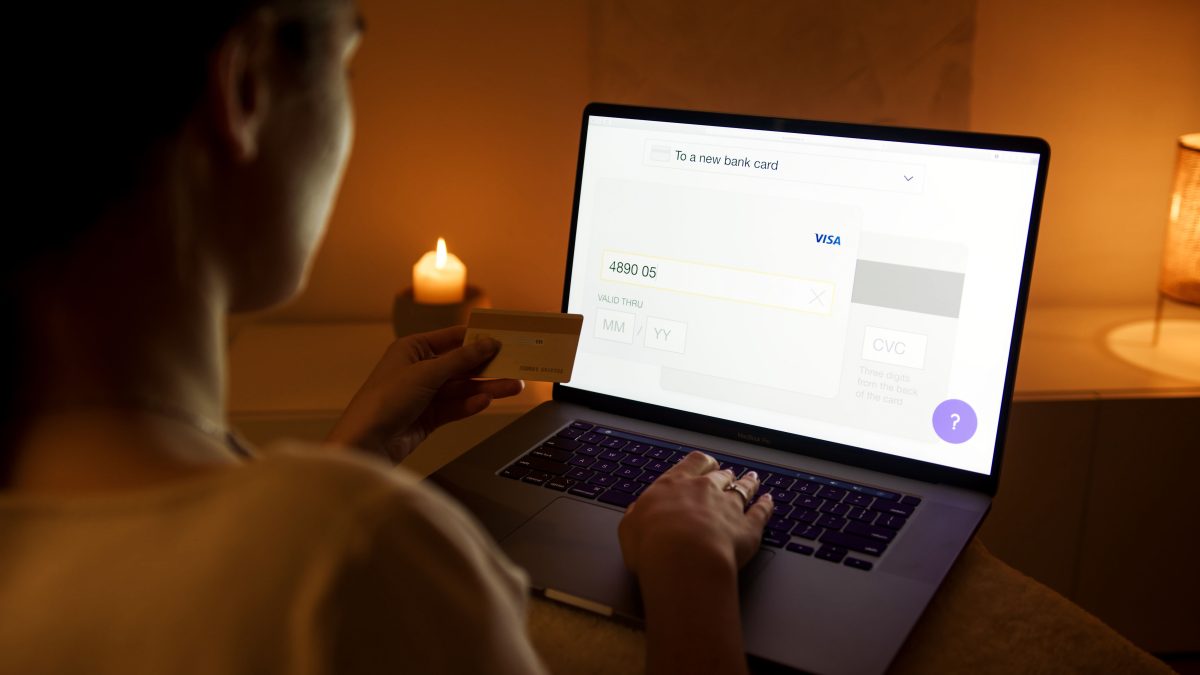
A fake hosting renewal email asking a website owner to make an urgent payment.
2. Fake Domain Expiration and WHOIS Messages
Domain names are another common target. Attackers may send messages claiming that a domain is expiring, suspended or at risk of being lost.
Some messages imitate domain registrars or WHOIS services. Others claim that a third party has submitted a trademark complaint or requested a domain transfer.
The attacker may ask the website owner to:
- Pay an unexpected renewal fee.
- Confirm domain ownership.
- Verify contact information.
- Approve a domain transfer.
- Download a document.
Before taking action, check the domain’s status through the official registrar account. Be especially careful with unexpected domain-transfer requests, because a stolen domain can affect the website, email and business identity.
A website owner checking domain registration information through an official account.
3. Fake SSL Certificate Warnings
Attackers may send fake messages claiming that a website’s SSL certificate has expired or will soon stop working.
The email may ask the website owner to click a link, install a certificate or enter hosting credentials.
SSL and HTTPS settings should be checked through the official hosting or certificate-management dashboard. Website owners should not install certificates from unexpected email attachments or unfamiliar websites.
A genuine security warning should be confirmed independently. Do not assume that a message is legitimate simply because it uses technical words such as SSL, TLS, certificate authority or encryption.
A secure website using HTTPS and a valid SSL certificate.
4. Fake Malware or Website Security Alerts
Some phishing messages claim that a website has been infected with malware or blocked by a security service.
The attacker may pretend to be a hosting provider, search engine, security company or website scanner. The message may ask the owner to click a link to remove the infection or restore access.
These scams are dangerous because website owners may already be worried about security. The attacker uses that concern to encourage a rushed decision.
If you receive a security alert:
- Open your hosting or security dashboard directly.
- Check whether the alert appears in your account.
- Review website files and activity logs.
- Do not download unexpected cleanup tools.
- Do not share administrator passwords through email.
A website security dashboard displaying a verified malware scan.
5. Fake Search Engine or SEO Notifications
Website owners may receive fake messages claiming to come from Google, Bing or another search platform.
The message may warn that:
- The website has been removed from search results.
- A copyright complaint has been received.
- The website has a serious SEO problem.
- The owner must verify the domain.
- The website will be penalized unless payment is made.
Search-related notifications should be checked through the official search-engine webmaster dashboard. Do not use the links in the email to sign in.
Website owners should also be careful with fake SEO service offers that request administrator access or payment before providing details about the claimed problem.
A website owner reviewing legitimate search performance information.
6. Fake Plugin, Theme or Software Updates
WordPress users and other website administrators may receive messages claiming that a plugin, theme or website component requires an urgent update.
The message may include a download link or attachment. The file may contain malware designed to steal administrator credentials or modify website content.
Software should be updated from the official website dashboard, a trusted marketplace or the developer’s verified website.
Website owners should avoid installing plugins or themes from unknown sources. Unused plugins should be removed, and all installed software should be reviewed regularly.
A website administrator checking plugin updates through the official dashboard.
7. Fake Customer or Client Requests
Attackers may pretend to be customers, business partners or clients. They may ask the website owner to open a document, review a proposal or download a project file.
The attachment or link may contain malware or lead to a fake login page.
These messages can be difficult to identify because they may refer to a real business name or use information collected from the company’s website and social media accounts.
Before opening an attachment:
- Confirm that you were expecting the message.
- Contact the person using a known phone number or email address.
- Be careful with unexpected invoices and documents.
- Scan attachments before opening them.
- Use a separate file-sharing system when possible.
A website owner verifying a client request before opening an attachment.
8. Business Email Compromise
Business email compromise occurs when an attacker impersonates an owner, manager, supplier or employee to request money, information or urgent action.
A scammer may request:
- A change to payment details.
- A domain transfer.
- Access to the website.
- A password reset.
- An urgent bank payment.
- A copy of customer information.
Attackers may use a lookalike domain or a compromised mailbox. The display name may look correct even when the actual email address is different.
Use a second communication method to verify financial requests and administrator-access changes. A phone call to a known number can prevent a costly mistake.
A business team verifying a suspicious payment request through a separate communication channel.
9. Fake Support Messages
Attackers may pretend to be technical support agents and claim that they need access to the website or hosting account.
They may ask for:
- A password.
- A verification code.
- Remote computer access.
- A payment.
- A backup file.
- An administrator invitation.
Never share a password or one-time security code with someone who contacts you unexpectedly. If support is needed, use the official support channel that you open yourself.
Be cautious if someone creates panic, demands secrecy or insists that you must act immediately.

A website owner identifying a fake technical-support request.
10. Phishing Through Text Messages and Social Media
Phishing does not only happen through email. Attackers may contact website owners through text messages, social media, business messaging platforms or online communities.
The message may claim that:
- A business account has been reported.
- A social media page will be removed.
- An advertisement has been rejected.
- A website needs verification.
- A payment problem must be fixed.
Do not use shortened links or unfamiliar login pages. Open the official application or website directly and check for notifications inside the account.
A website owner checking a business account directly instead of clicking a message link.
Warning Signs of a Phishing Message
Phishing messages often contain several warning signs.
- Unexpected urgency.
- Threats of suspension or deletion.
- Requests for passwords or verification codes.
- Unusual payment requests.
- Spelling or grammar mistakes.
- Links with unfamiliar domains.
- Unexpected attachments.
- Messages sent from a lookalike address.
- Requests to bypass normal procedures.
- Pressure to keep the request secret.
A professional appearance does not prove that a message is genuine. Attackers can copy company logos, colors, signatures and website layouts.
A security checklist showing common warning signs of phishing.
How to Prevent Phishing Attacks
Use Multi-Factor Authentication
Multi-factor authentication adds another verification step after the password. It can help protect an account even if the password is stolen.
Enable it for hosting, domain registration, email, social media, payment services and administrator accounts.
Use a Password Manager
A password manager can create unique passwords for each service. This reduces the damage caused by a stolen password that cannot be reused on other websites.
Use Official Bookmarks
Save the official login pages for hosting, domain and email services. Open them directly instead of using links in unexpected messages.
Verify Sensitive Requests
Use a known phone number or separate communication channel to confirm payment changes, domain transfers, password resets and administrator-access requests.
Limit Administrator Access
Only trusted people should have administrator permissions. Use separate accounts for daily work and administrative tasks when possible.
Protect Email and Domains
Businesses should configure email authentication records such as SPF, DKIM and DMARC. These technologies can help reduce spoofed messages sent from a business domain.
Keep Software Updated
Update the website platform, plugins, themes, libraries, hosting software and operating system. Remove software that is no longer needed.
Maintain Secure Backups
Keep recent backups of website files and databases. Backups should be protected from unauthorized access and tested regularly.
A layered phishing prevention strategy protecting a website owner and business systems.
What to Do If You Clicked a Phishing Link
If you clicked a suspicious link but did not enter any information, close the page and run a security check on your device.
If you entered a password:
- Change the password immediately from the official website.
- Change it anywhere else the same password was used.
- Enable multi-factor authentication.
- Review active sessions and sign out unknown devices.
- Check for unauthorized account changes.
If you shared a payment card, contact the card provider through an official number. If you shared hosting or domain access, review administrator users, DNS settings, email accounts and website files.
Preserve the message and report the phishing attempt through the appropriate provider or government reporting channel.
A website owner responding quickly after discovering a phishing attempt.
Conclusion
Phishing attacks targeting website owners often use fake renewal notices, domain warnings, SSL alerts, malware notifications, plugin updates, support messages and urgent payment requests.
The goal is usually to steal an account, gain access to a website or trick the owner into sending money or confidential information.
The best protection is to slow down and verify unexpected requests. Open official websites directly, use multi-factor authentication, maintain unique passwords, limit administrator access and keep website software updated.
Website owners should also prepare for mistakes. Regular backups, activity monitoring and a clear incident-response process can reduce the damage if an account is compromised.
Phishing prevention is not only about recognizing suspicious emails. It is about protecting every account, domain, website and communication channel connected to the business.
Sources
- CISA Phishing Guidance
- CISA Email and Web Security Guidance
- Federal Trade Commission Business Guidance on Phishing
- FTC Cybersecurity for Small Business: Phishing

SiliconeUpdate.com is a technology news platform that publishes updates and informational content related to silicon technology, software, artificial intelligence, and emerging technologies.
All articles published on this platform are attributed to SiliconeUpdate.com instead of individual authors. Content is presented in a neutral, informational format without personal opinions.
—
Content Publishing
SiliconeUpdate.com publishes news and updates based on publicly available information, official announcements, and industry developments. The focus is on clarity, relevance, and timely reporting.
—
Editorial Control
All editorial decisions, updates, and content management are handled at the platform level. No individual human or AI identity is presented as the author of articles.
—
Contact
For editorial communication or general queries, contact:
Email: neemasharma@gmail.com